> ## Documentation Index
> Fetch the complete documentation index at: https://docs.thistle.tech/llms.txt
> Use this file to discover all available pages before exploring further.
# Overview
> Overview of the Thistle Control Center
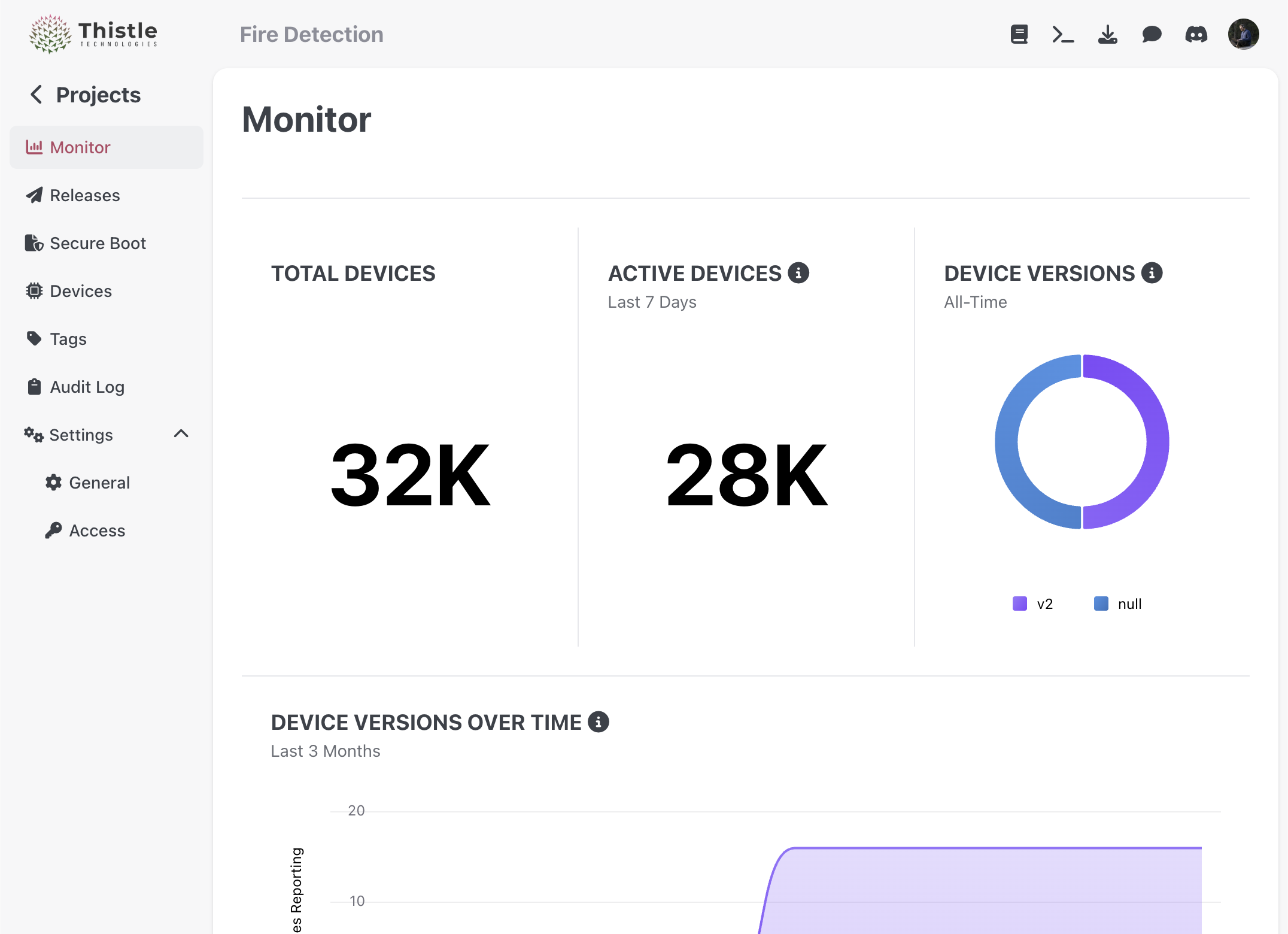
The Thistle Control Center is a web-based dashboard for managing your Thistle devices and updates.
 ## Features
* Device management
* Fleet monitoring
* Update deployment
* Status monitoring
* Analytics and reporting
## Access
The Thistle Control Center is available at [https://app.thistle.tech](https://app.thistle.tech).
## Authentication
Access to the Thistle Control Center requires valid credentials. If you don't have credentials, please sign in to [Thistle Control Center](https://app.thistle.tech).
## User Roles
The Thistle Control Center supports multiple user roles with different permissions:
* **Administrator**: Full access to all features
* **Developer**: Access to create and manage updates
* **Operator**: Access to deploy updates and monitor devices
* **Viewer**: Read-only access to device status and updates
## Signing Firmware
## Features
* Device management
* Fleet monitoring
* Update deployment
* Status monitoring
* Analytics and reporting
## Access
The Thistle Control Center is available at [https://app.thistle.tech](https://app.thistle.tech).
## Authentication
Access to the Thistle Control Center requires valid credentials. If you don't have credentials, please sign in to [Thistle Control Center](https://app.thistle.tech).
## User Roles
The Thistle Control Center supports multiple user roles with different permissions:
* **Administrator**: Full access to all features
* **Developer**: Access to create and manage updates
* **Operator**: Access to deploy updates and monitor devices
* **Viewer**: Read-only access to device status and updates
## Signing Firmware
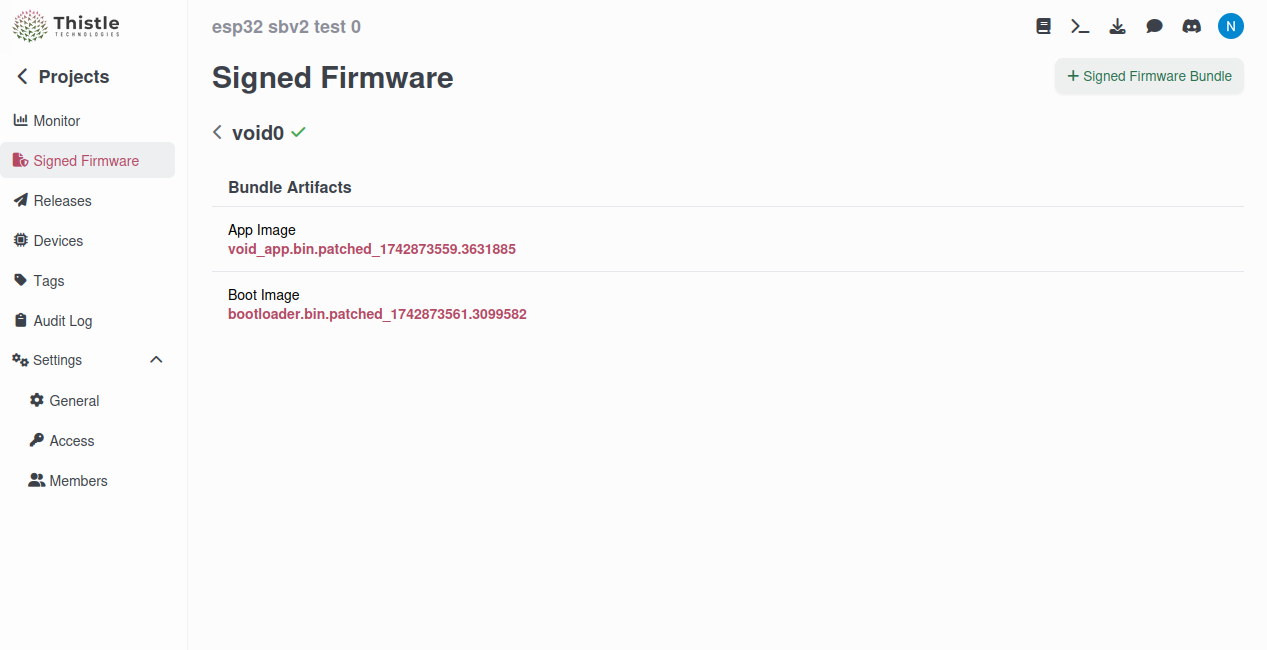 The Thistle Control Center provides a secure way to sign firmware updates before they are deployed to devices.